

FPS Bench v1.3.0Download the free desktop app to find what's bottlenecking your FPS
Open HowManyFPS.com on your PC to benchmark Click to Change
AMD GPU
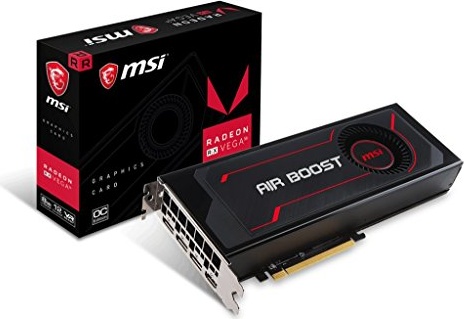
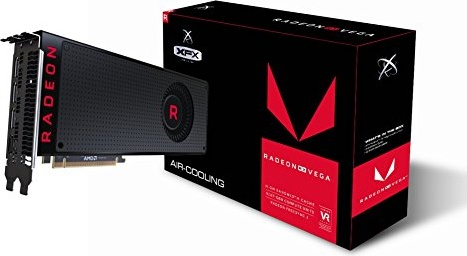
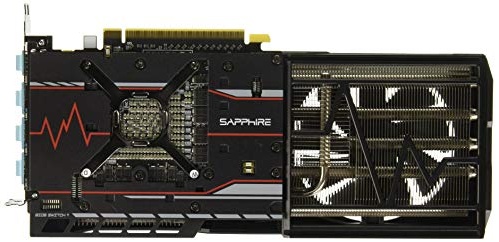
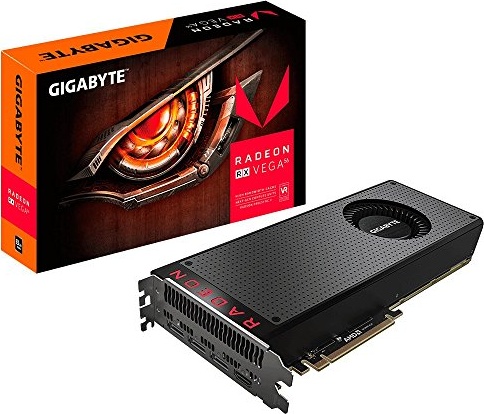
Radeon RX Vega 56: Call of Duty: Warzone 2.0
$358.00
In Call of Duty: Warzone 2.0, the Radeon RX Vega 56 outperforms 59% desktop GPUs. It's currently in stock for $358.00. You should consider the faster Radeon RX 7700 XT.
4 items
Radeon RX Vega 56's Specifications
The GPU's core specifications
| General | |
|---|---|
| Release Date | Aug 14th, 2017 |
| MSRP | $399.00 |
| Current Price | $358.00 |
| Segment | Desktop |
| Generation | Vega (RX Vega) |
| Power Consumption | 210W |
| Memory | |
|---|---|
| Memory Size | 8 GB |
| Memory Type | HBM2 |
| Memory Bus | 2048-bit |
| Memory Bandwidth | 409.6 GB/s |
| Performance | |
|---|---|
| HowManyFPS Rank | TOP 83 (Desktop) |
| Pixel Fillrate | 94.14 GPixel/s |
| Texture Fillrate | 329.5 GTexel/s |
| FP32 | 10.54 TFLOPS |
Released in 2020

Viewers17K
Released in 2020
Viewers17K
Released in 2020
Stream Viewers17K
Released in 2020

Stream Viewers17K
Radeon RX Vega 56 in Call of Duty: Warzone 2.0
Choose your CPU and Call of Duty: Warzone 2.0 settings. Estimate average and min 1% frames per second with the Radeon RX Vega 56.
Released in 2020
Stream Viewers17K
Radeon RX Vega 56's Alternatives
Compare Radeon RX Vega 56 with the best gaming GPUs in every price tier
TOP 1 GPU for$4,300
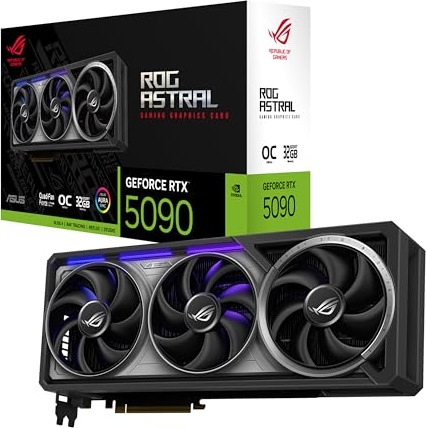
TOP 1 GPU for$1,500
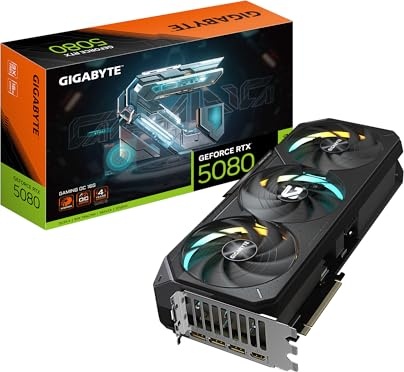
TOP 1 GPU for$1,450
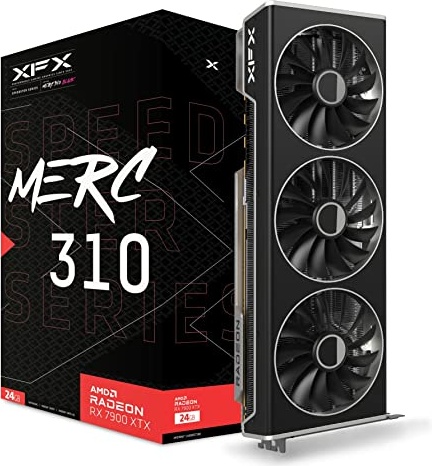
TOP 1 GPU for$750
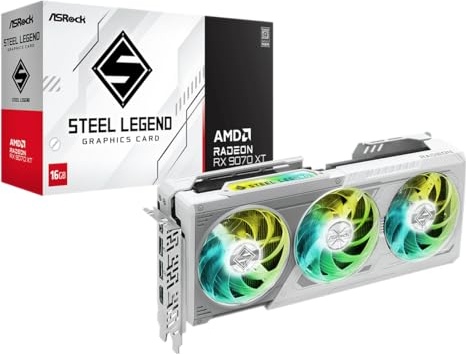
TOP 1 GPU for$700
TOP 1 GPU for$550
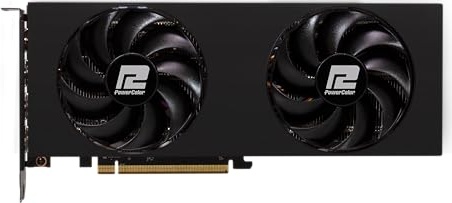
TOP 1 GPU for$400
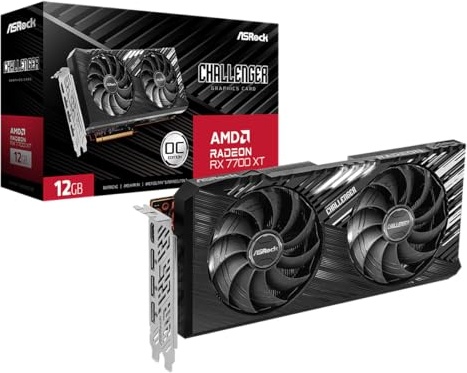
TOP 1 GPU for$350

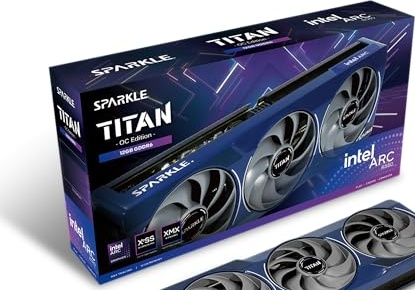
TOP 1 GPU for$250
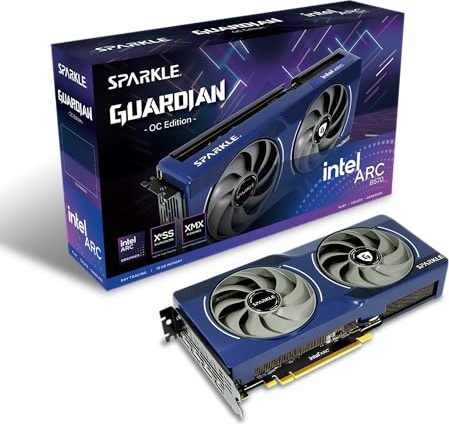
TOP 1 GPU for$200
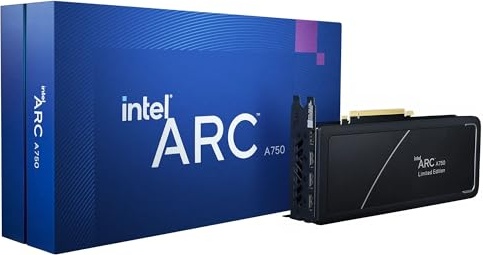
11 items

FPS Bench v1.3.0Download the free desktop app to find what's bottlenecking your FPS
Open HowManyFPS.com on your PC to benchmarkRadeon RX Vega 56 in Other Games
The FPS you'll get in other games, click on a game to view it




























































































































124 items
Found 421 GPUs
Popularity
Only Saved Items
Only Saved Items